In the conclusion to our series on building a scrollable and zoomable image viewer, we’ll add support for zooming, auto-centering, size to fit, and some display optimizations and enhancements.
Image viewer with Zoom and Scroll Capacity with PowerApps
Noobie Learning PowerApps E02: Creating your first PowerApps from data
In this video, Shreni is learning how to create their first Microsoft PowerApp from a Sharepoint List. We also show some small tweaks on how to streamline the automatically generated PowerApp. Learn how to: a) Prepare Sharepoint as a Data Source b) Create the app from Data
I made a game in under 1 Hour with PowerApps | E02

I created a simple 2d games of superman vs Darkseid using PowerApps. Both Darkseid and Superman throw lasers at each other to win. It’s pretty simple you can try it out. If you have a PowerApps subscription then you can do it yourself you don’t have to be a developer.
Sending a document with Signature for approval
In this episode, I am going to demonstrate how we can send requests for documents for signature to the manager, request a signature for approval, and generate a PDF with both signatures. Thank you Ali Hassan for requesting this video.
Noobie Learning PowerApps E01: PowerApps Studio Screen Basics

Today, we’re doing our first PowerApps-app making project. This episode explains PowerApps Studio’s screen sections and offers details on what is PowerPlatform. You can grasp the overall picture of the operation and start making your PowerApps apps after watching this video.
What’s new with Modern Fluent UI controls in Power Apps?
Get hands-on with the latest Modern Fluent UI controls in Power Apps for canvas apps.
Save PowerApps Pen Input to SharePoint or OneDrive

In this video, you will learn an easy way to save PowerApps Pen Input to SharePoint or OneDrive using Microsoft PowerAutomate and JSON Function.
Take a photo every 10 seconds | PowerApps

How to take a photo from PowerApps and store it into a Collection without using PowerAutomate.
I made a game in under 1 Hour with PowerApps | E01
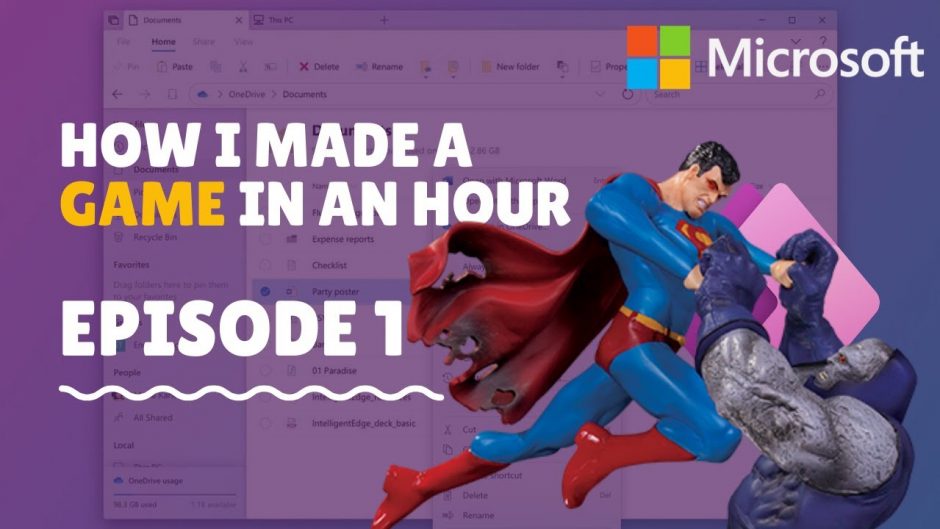
I created a simple 2d games of superman vs Darkseid using PowerApps. Both Darkseid and Superman throw lasers at each other to win. It’s pretty simple you can try it out. If you have a PowerApps subscription then you can do it yourself you don’t have to be a developer. Watch ep 02 here: https://youtu.be/NUX8tV0Hgd4
Using APIs With Microsoft Flow & PowerApps

See how you can bring in data into PowerApps from an external source using an API with Custom Connector. In this video, we see how you can get the most dummy users into your app through simple Connectors.